

Discord
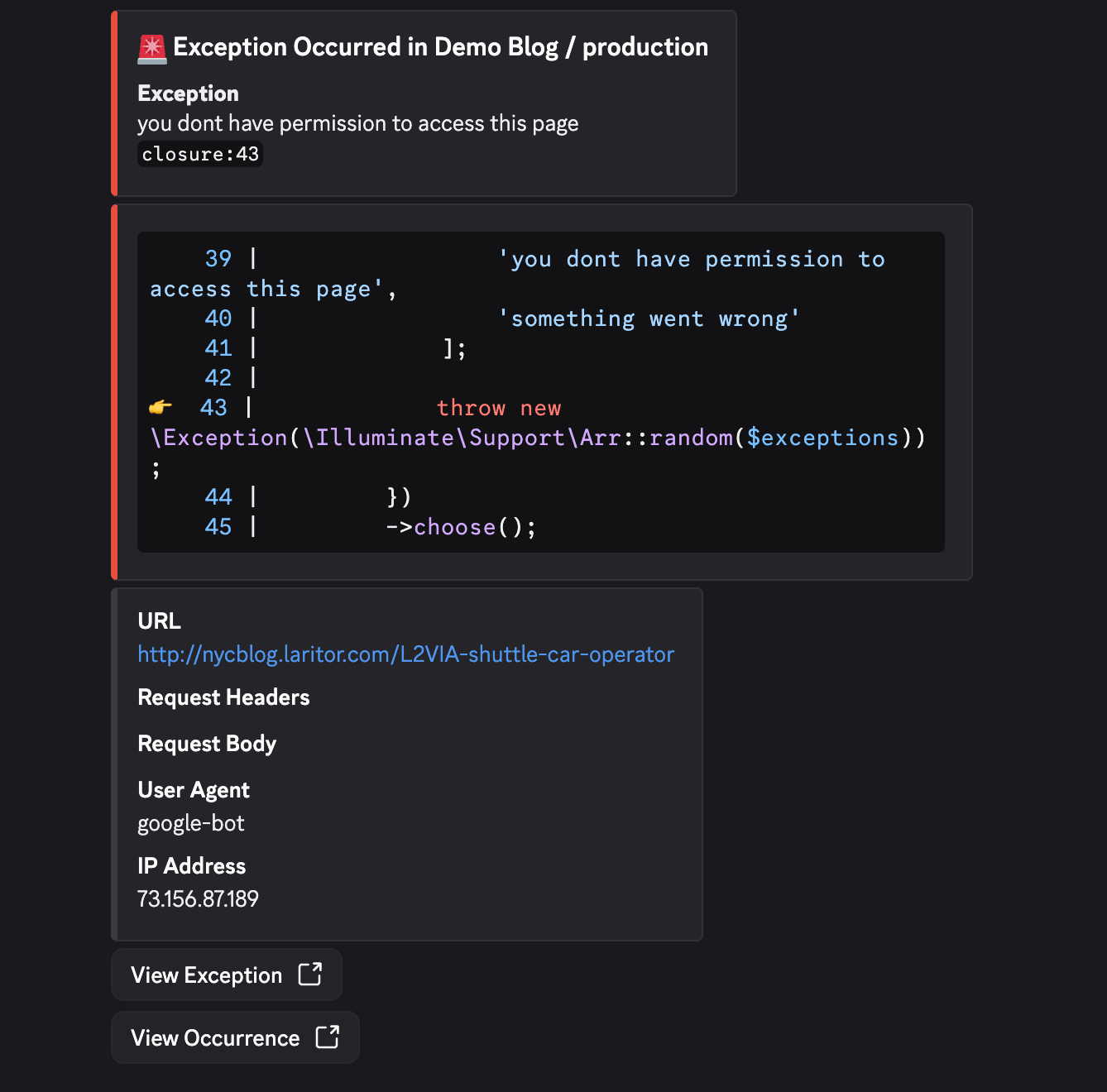
Laritor allows you to integrate with your Discord server to receive real-time alerts in specific channels. This makes it easy to keep your team informed of critical application issues as they happen.
🔧 How to Integrate Discord
Section titled “🔧 How to Integrate Discord”-
Open Settings
- Click your profile dropdown in the top-right corner of the dashboard.
- Select Settings from the dropdown.
-
Start Discord Integration
- On the Settings page, go to the Integrations section.
- Click the Integrate Discord button.
-
Authorize Laritor
- You will be redirected to the Discord authorization screen.
- Select the Discord server you want to integrate.
- Authorize Laritor to access your Discord server.
-
Return to Laritor
- Once authorization is complete, you will be redirected back to the Settings page.
- If successful, you’ll see a confirmation message: ✅ Discord integrated successfully
📣 Using Discord in Alerts
Section titled “📣 Using Discord in Alerts”Once Discord is integrated, you can choose where alerts should be sent from the Alerts page.
Configure Discord Channels for Alerts
Section titled “Configure Discord Channels for Alerts”-
Go to Alerts
- Click Alerts in the main navigation menu.
-
Choose Your Discord Channel
- Under Alerts, select the Discord channel where you want to receive alerts.
-
Set a Default or Environment-Specific Channel
- You can choose a default Discord channel for all environments.
- You can also override the Discord channel for specific environments when needed.
⚠️ Private Channels Not Showing? If you don’t see your private channels in the dropdown, make sure to add the Laritor bot to those private channels inside Discord.
-
Save Your Alert Configuration
- Save your alert settings after selecting the appropriate Discord channels.
- Laritor will send alerts to the default channel or the environment-specific override you configured.
💡 Notes
Section titled “💡 Notes”- Laritor only requests permissions to post messages in your Discord channels.
- You can disconnect or reauthorize Discord at any time via Settings > Integrations.
- You can use one default Discord channel for all environments and override it for specific environments when needed.